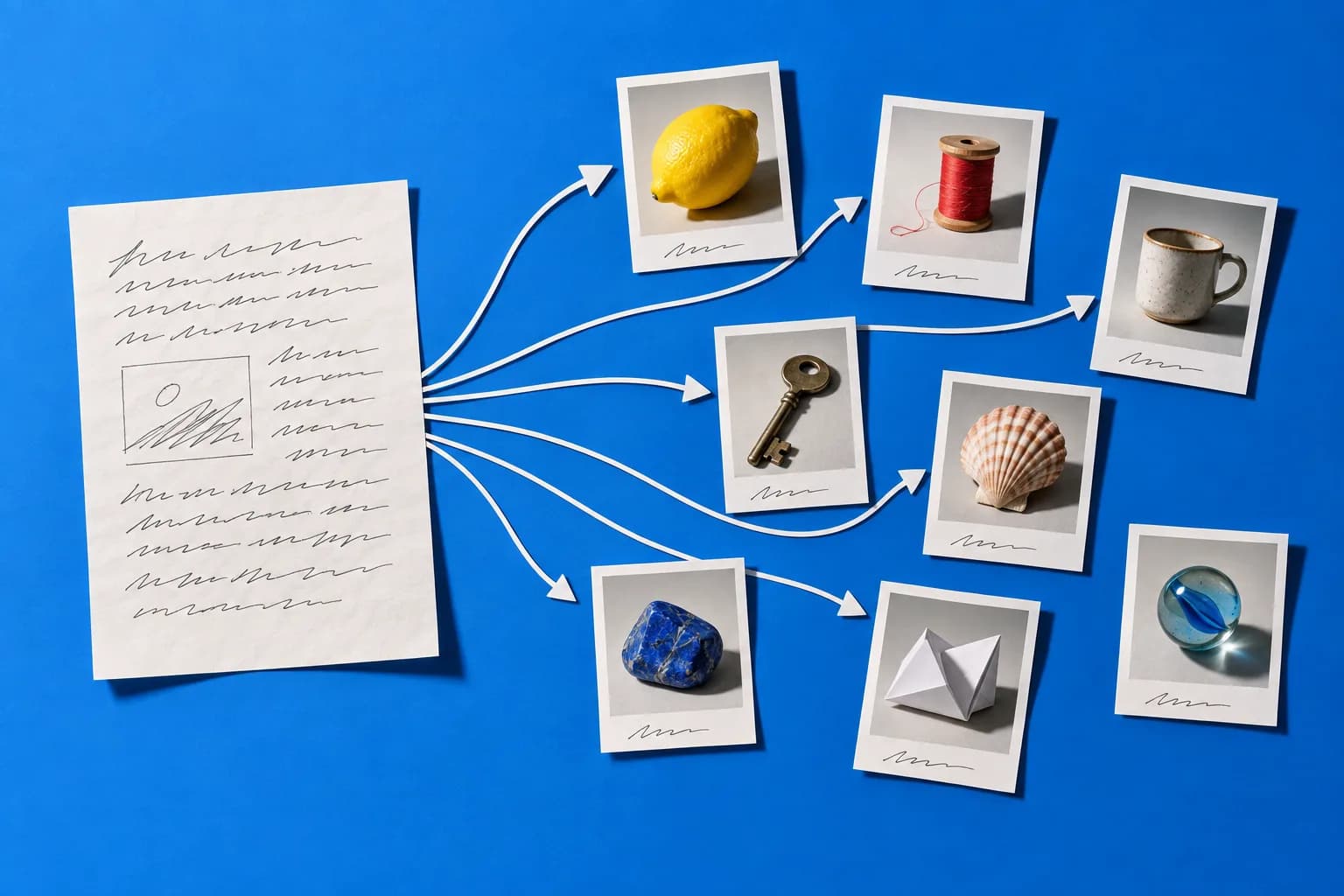


You didn’t open six browser tabs on purpose. It happened one tool at a time — a writer here, an image generator there, something else for video, something else again for captions. Canva handles the design half beautifully, which is exactly why the other half feels so scattered. Here’s an honest way to compare, plus a one-afternoon test that shows you whether consolidating actually saves you time.
The short answer
The best Canva alternative for AI content isn’t a better design editor — it’s a platform that generates the content around the design. Canva is built for visual creation. What most creators and small teams are missing is the writing, the video scripts, the captions, the ad copy, and the SEO work that surrounds every visual.
So the real question isn’t “what replaces Canva?” It’s “how many tools am I opening to publish one idea?” If the answer is four or more, an all-in-one AI content platform is the upgrade — not another design app.
What Canva Is Genuinely Great At
Let’s be fair, because this matters when you’re deciding. Canva earned its position:
- Design speed for non-designers. Templates, brand kits, and drag-and-drop that a founder can use with zero training.
- Real AI features inside the design workflow. Canva’s Magic Studio includes AI writing, image generation, and editing tools built around visual projects.
- Collaboration and brand consistency. Shared folders, locked brand assets, easy handoff to a contractor.
- Presentations, print, and docs. A genuinely wide range of visual output formats.
If your bottleneck is “this graphic looks amateur,” Canva solves that. Keep using it.
Where the Workflow Actually Breaks
The bottleneck for most small teams isn’t design quality. It’s the number of separate places one idea has to travel through before it’s published.
A typical content workflow needs distinct tools for writing the article, designing the graphic, generating the images, producing the video, writing the captions, and scheduling the social posts. That’s six workflows for one topic. Every handoff means re-explaining your audience, re-pasting your brand voice, and re-uploading the same files.
The hidden cost of a multi-tool stack isn’t the subscriptions. It’s re-briefing your brand voice six times for one piece of content.
What we’ve consistently seen: when those tasks live in one workspace, a small team can take a single content idea and come out the other side with a blog post, social posts, images, video scripts, captions, and promotional copy — in one sitting instead of across a week. The speed gain doesn’t come from better AI. It comes from not restarting.
The 6 Checks to Run on Any Canva Alternative
Before you migrate anything, score your shortlist against these. Most “Canva alternative” lists skip every one of them.
1Does it write, not just design?
Long-form blog content, ad copy for Facebook/Google/TikTok, email, and product descriptions — or only short captions?
2Can it produce video without a filming day?
AI video and UGC-style avatars with voiceover matter more than another template library.
3Does the brand voice persist across formats?
If you re-paste your voice guidelines into every tool, you haven’t consolidated anything.
4What’s the export quality and watermark policy?
1080p and watermark-free should be table stakes on a paid plan. Check before you commit.
5Is the SEO work included?
Keyword research and on-page optimization sitting next to the writer saves a full round-trip.
6How many current subscriptions does it actually retire?
Write the number down. If it’s one, it’s a swap, not an upgrade.
How to Test It in One Afternoon
Don’t migrate. Run one idea through end to end and time it. This is the whole test.
Pick One Real Topic
Choose a question your customers actually ask. Not a content-calendar theme — a real question from a sales call, a DM, or a support ticket.
Write the Brief Once
Write down four things: who you serve, their specific pain, your point of view, and three words describing your voice. Paste this at the top of every prompt in the test.
Generate the Pillar
Produce the long-form piece first — a blog post or guide. Then edit hard: add your real numbers, delete anything that could sit unchanged on a competitor’s site.
Check it against Google’s people-first content guidance before it goes live.
Fan It Out Into Every Format
Same brief, same source material, one pass per format: 5–7 social posts, 3–5 platform captions, 1 email, 2–3 short-video scripts, and supporting images.
HeyUGC can take part of this pass: its blog-to-social tool writes platform posts and a newsletter intro from your pillar, the UGC script generator covers the short-video scripts, and it makes the supporting ad images from your brand.
Produce the Video
Take your sharpest three sentences. Each is a 15–30 second script: hook, one point, one takeaway. Generate them with an AI avatar so your look stays consistent — no camera, no filming day.
Compare Honestly
Two numbers: how long did the whole set take, and how many tools did you open? Compare against your last comparable week. If the numbers didn’t move, keep your current stack.
When Canva Is Still the Right Answer
Being straight with you, because a bad fit wastes your month:
- You’re primarily a designer. If your output is visual-first and precise, Canva’s editor is more direct.
- Your team lives in shared brand templates. Established Canva brand kits and team workflows have real switching costs.
- You need print and presentations. That’s Canva’s home turf, not an AI content platform’s.
- Your writing is already handled. If you have a writer you trust, the content half of the problem doesn’t exist for you.
Plenty of teams keep both. Canva for polish, an AI content platform for volume. That’s a reasonable stack, not a failure to choose.
The Cost Math, Done Properly
Don’t take anyone’s word for the savings — including mine. Open your billing page and add up what you pay monthly for writing, image generation, video, captions, and SEO tools.
HeyUGC has no monthly plan: you buy credits when you need them, and every image or copy run shows its credit cost before you confirm it.
Compare that to your actual total, not a hypothetical one. Two honest caveats. Consolidation saves time and usually money, but a single tool rarely matches a category leader feature-for-feature at the very top end. And no platform fixes a content strategy problem — if you don’t know who you’re writing for, faster output just means faster filler.
Start With One Idea
The right Canva alternative for AI content is whichever one gets your idea published with the fewest handoffs. You’ll know within an afternoon.
Run the six-step test on one real topic — new accounts get one-time trial credits once the email address is verified. Plan details are on the pricing page, and there are more workflow playbooks on the blog.