
You’ve probably had this moment: the image comes back gorgeous, and it’s still useless. Wrong aspect ratio, off-brand colors, and nothing you can turn into the other eleven sizes the campaign needs. Realism was never the hard part. This is the prompt formula and the 7-test checklist that get you from one idea to a full campaign set.
The short answer
The best AI image generator for marketing is the one that fits your campaign workflow — not the one with the most photorealistic demo reel. Realism is now table stakes across the major models. What separates a useful tool is whether it produces the right sizes, holds a consistent brand look across a whole set, lets you spin variations without restarting, and sits next to the copy you’re writing. Judge it on the finished campaign, not on a single hero image.
Why “Most Realistic” Is the Wrong Benchmark
Realism scores well in side-by-side comparisons and badly in real marketing work. Here’s where the gap shows up:
- A campaign isn’t one image. One launch can need dozens of visuals across social, blog, ads, email, and landing pages. A tool that makes one stunning image and can’t extend it is a bottleneck.
- Consistency beats beauty. Twenty images that look like one brand outperform twenty beautiful images that look like twenty brands.
- Variations are the actual job. Ad testing needs the same concept in five treatments — not five unrelated concepts.
- Format is a hard constraint. Vertical, square, and wide crops aren’t a nice-to-have; a 4:5 feed post and a 9:16 story are different deliverables.
- Text in images is still unreliable. Most models mangle longer copy. Plan to add headlines as a text layer rather than praying the model spells it right.
Realism is solved. Repeatability isn’t. That’s where your time actually goes.
The 5-Part Prompt Formula
This is the single biggest lever we’ve found, and it’s not a secret model or a magic keyword. AI image generation gets dramatically better when your prompt specifies audience, purpose, visual style, platform, and desired outcome — and it stays generic when you only describe the object.
Most people write the object and stop. Try this instead:
AI Image Prompt Formula
1. AUDIENCE — who this is for (age, context, what they care about)
2. PURPOSE — what job the image does (stop the scroll, explain, build trust, show scale)
3. VISUAL STYLE — lighting, palette, mood, camera framing, texture
4. PLATFORM + FORMAT — placement and aspect ratio (4:5 feed, 9:16 story, 16:9 header)
5. OUTCOME — the feeling or action the viewer should have next
A Worked Example
Weak prompt: “product photo of a soy candle, realistic”
Same idea, formula applied: “Lifestyle product photo of a soy candle for a first-time buyer in their late twenties who shops for calm, not luxury. Purpose: stop the scroll in a crowded home-goods feed. Style: soft morning window light, warm neutral palette, shallow depth of field, slight film grain, no props competing with the candle. Format: 4:5 vertical for an Instagram feed post, product placed in the upper two-thirds with clean negative space at the bottom for a headline overlay. Outcome: the viewer should feel this belongs in their own living room.”
Same tool, same model. Radically different usability — and note that the negative space was designed in, so the headline doesn’t have to fight the image.
The 7 Tests to Run Before You Commit
Run these on any generator you’re evaluating. They take about an hour and they’ll tell you more than any comparison chart.
1. The set test
Generate six images for one campaign. Do they look related?
2. The aspect-ratio test
Ask for the same concept in 4:5, 9:16, and 16:9. Check the subject survives the recrop.
3. The variation test
Request five treatments of one image. Can you iterate, or does every attempt start over?
4. The brand test
Feed it your palette and a reference image. Does it actually respect them?
5. The text test
Ask for a short headline inside the image. Decide now if you’ll overlay text yourself.
6. The rights test
Read the commercial usage terms. Check ownership, resale, and plan-tier changes.
7. The workflow test
Count the tools you opened to finish one post. That count is your real cost.
One Campaign, One Afternoon: The Asset Matrix
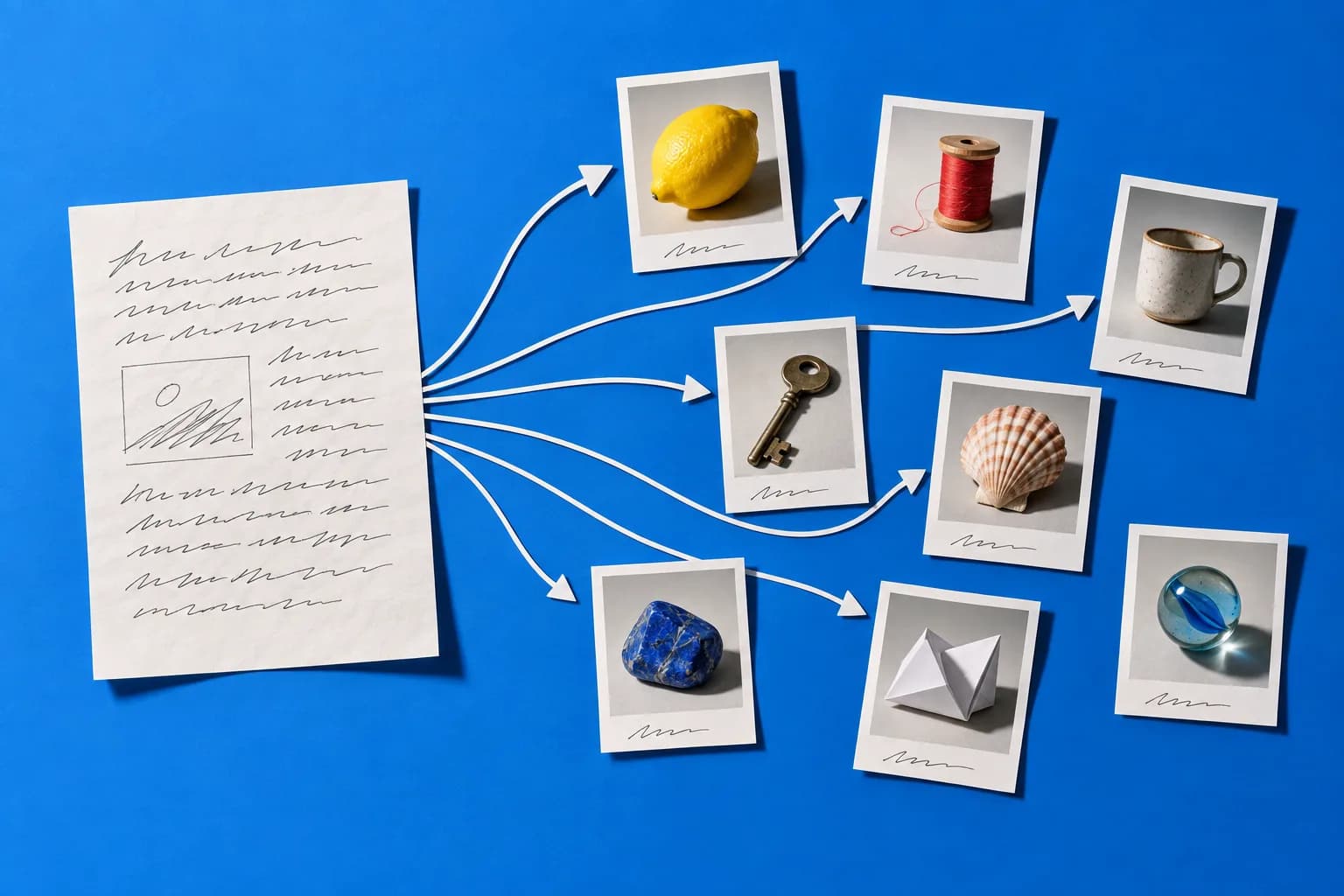
Stop generating images one request at a time. Build a matrix instead — concepts down one axis, placements across the other. Pick 3 concepts for the campaign, then produce each in the placements you actually publish to:
Instagram/TikTok feed
Format: 4:5 vertical
Negative space bottom-third for the hook
Stories/Reels/Shorts
Format: 9:16 vertical
Subject centered, safe margins top and bottom
Blog header
Format: 16:9 wide
Wider environment, more context in frame
Email banner
Format: 3:1 wide
Simple, readable at small size
Paid ad creatives
Format: 1:1 + 4:5
Same concept, 3–5 treatments for testing
How to Keep 20 Images Looking Like One Brand
Consistency is a discipline, not a feature. Four tactics that work:
- Lock a style block. Write your lighting, palette, and framing once, then paste that exact text into every prompt. Never rewrite it mid-campaign.
- Reuse references. If your tool supports reference images or seeds, anchor the whole set to your best result instead of describing the look again.
- Name your palette precisely. “Warm neutral: bone, clay, muted terracotta” beats “nice earthy tones.”
- Batch, don’t drip. Generate the full set in one session. Prompts drift when you come back three days later.
Where AI Images Still Fall Short
Being straight with you, because campaigns get held up by exactly these:
- Faithful product likeness. AI won’t reproduce your actual SKU accurately. Shoot the real hero product; use AI for lifestyle context, backgrounds, and variations around it.
- Longer text and fine detail. Hands, logos, and multi-word copy remain unreliable. Overlay type yourself.
- Rights and disclosure. Don’t generate recognizable people or trademarked material for commercial use. Check your platform’s disclosure rules. Provenance standards like C2PA are being adopted across the industry — worth understanding before it’s mandatory in your ad channels.
- Regulated claims. If you sell in health, finance, or anything with substantiation rules, a generated image can imply a claim you can’t back. Get those reviewed.
Start With One Campaign
The best AI image generator for marketing is the one that gets a full, on-brand campaign set out the door — not the one that wins a single-image beauty contest. Test it with the matrix above on one real campaign this week.
Create a free HeyUGC account and run it on one real campaign: HeyUGC reads your website, takes a reference ad you pick, and generates finished on-brand ad images in the shape of that reference. Verified accounts get one-time trial credits; after that you pay as you go with credits.