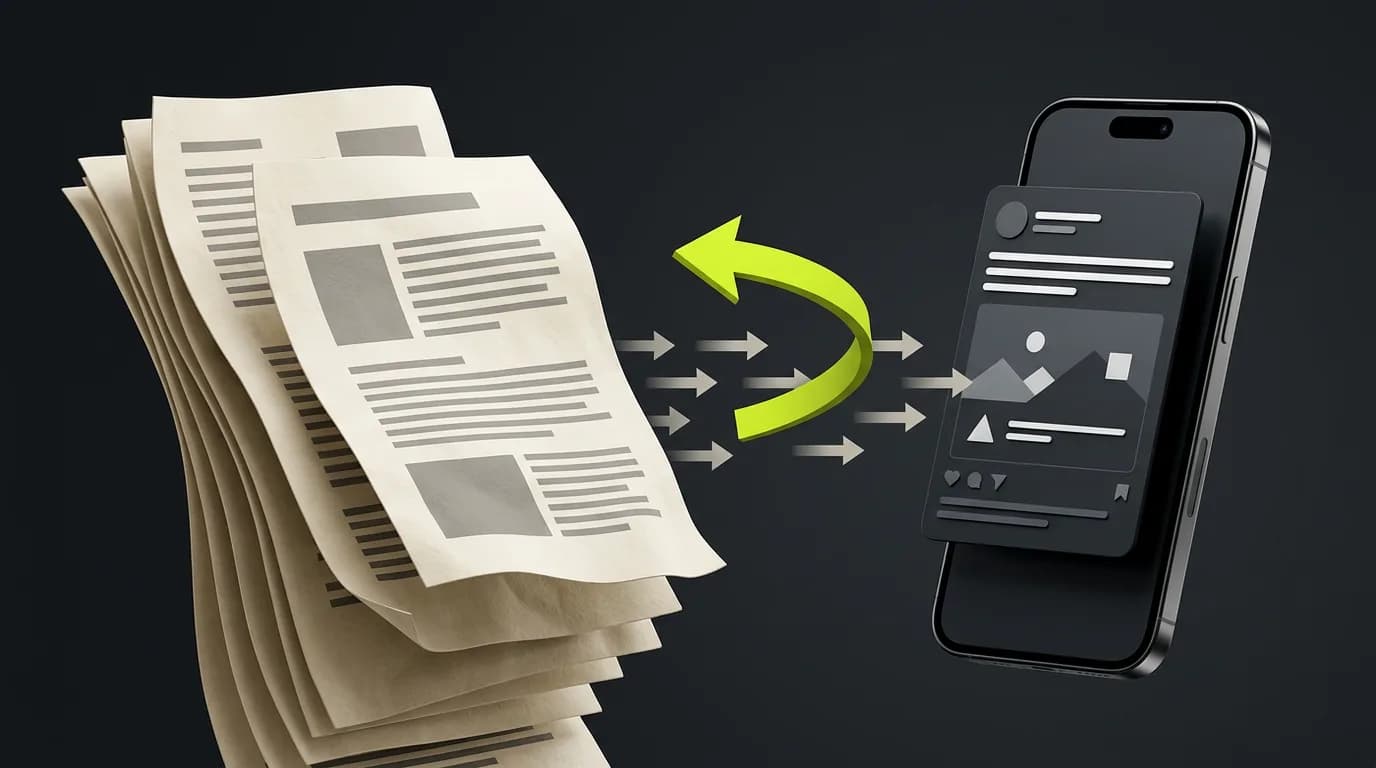
To turn a blog post into a LinkedIn post, find the one point in the article that a reader might disagree with, and build the whole post around it in about six sentences. State the claim, say why people believe the opposite, give your reason, show one concrete example from the article, say what to do instead, and end with a question. Do not summarize the article. A summary asks the reader to care about everything. A single sharp point asks them to react to one thing.
This guide shows how to find that point, gives a six-sentence skeleton with a worked example, and lists the edits that make a post sound like a person wrote it.
Why summaries make weak LinkedIn posts
A trimmed summary of a 1,500-word article gives you a list of mild statements. Each one is true, none is surprising, and nobody has a reason to stop scrolling. A post needs to say something specific enough to agree or disagree with.
The contrarian point format fixes that by choosing one idea. It does not require you to be provocative for its own sake. It requires you to pick the part of the article where you say something a thoughtful reader might push back on, and to defend it briefly.
Step 1: Find the contrarian point
Read the article once and ask three questions. The first one that gives you a clear answer is your point.
- What does this article say that a reasonable reader might disagree with?
- What does the article say people in this field commonly get wrong?
- What would a skeptic object to in the main recommendation?
If the article has none of these (a straight how-to, for example), take the single most useful instruction and use the article's reason for it as the contrarian element. "Do X" becomes "Most people skip X, and here is why that costs them."
Write the point as one sentence. If it needs two, you have two posts.
Step 2: Use a six-sentence skeleton
This is one structure that works, not the only one. Each sentence has a job.
| Sentence | Its job |
|---|---|
| 1 | State the claim plainly |
| 2 | Name the common belief it goes against, and why that belief is appealing |
| 3 | Give the main reason the claim holds |
| 4 | Give one concrete example, taken from the article |
| 5 | Say what to do instead |
| 6 | Ask a real question the reader can answer |
Short paragraphs, often one sentence each, read well on a phone. The post should run a few hundred characters, far below LinkedIn's 3,000-character post limit.
A worked example
The article below is invented for illustration.
Article: "Why Small Teams Should Test Fewer Ads." The article argues that when a budget is small, splitting it across many ad variations leaves each one with too little data to read. It tells the story of a team that launched many near-identical variations and could not tell which one performed, then recommends testing three distinct concepts first and iterating on the winner.
Contrarian point: Testing more ads does not make small teams learn faster.
The post
Small teams do not learn faster by testing more ads.
It feels logical. More variations should mean more chances to find a winner.
But a small budget split five or ten ways gives each ad too little data to say anything.
The article tells the story of a team that launched many near-identical variations and could not tell which one performed, because none of them collected enough results to compare.
Start with three concepts that are clearly different from each other. Pick the one that performs best, then iterate on that one.
What is the smallest number of ads you have tested at once that still taught you something?
Each sentence stays within what the article claims. The example is the article's own, not a figure added to make it sound more impressive.
The same format for a service business
The article below is also invented. It comes from a small bookkeeping service.
Article: "Why You Should Reconcile Monthly, Not Yearly." It argues that waiting until year end turns small errors into one large cleanup, and describes a client who found a duplicated payment months after it happened.
Contrarian point: Year-end bookkeeping feels efficient, and it costs more time than doing a little each month.
Doing your bookkeeping once a year feels efficient.
It is one big task instead of twelve small ones, so it looks like the sensible way to batch the work.
But small errors do not stay small. By year end, you are digging for them in twelve months of transactions.
One client in the article found a duplicated payment months after it happened, because nobody had looked sooner.
A short monthly check catches mistakes while you can still remember what happened.
When did you last find an error you wish you had caught earlier?
The post uses only what the article says, and nothing about how much time or money anyone saves.
Step 3: Edit like a person
A first draft of a LinkedIn post often carries the same habits. Remove them.
- Delete the throat-clearing. Openers like "I'm excited to share" and "Here are my thoughts on" delay the claim. Start with the claim.
- Make the first line work alone. On LinkedIn, the opening lines are what most people see before choosing to expand. If it needs the second line to make sense, rewrite it.
- Cut every number the article does not contain. A statistic added from memory is a claim you cannot support. Stay with what is in the source.
- Prefer a plain verb. "Learn faster" beats "optimize your learning velocity".
- Limit hashtags. Zero to two, and only where they are normal for the topic.
- End on a question you want answered. A question the author already answers in the next line is a trick, and readers notice.
What to leave out
Some elements dilute the point.
- A recap of every section. If it needs a recap, it has more than one idea.
- A list of tips. Lists work, but they are a different post type and should come from a different part of the article.
- A hard sell. The post earns the click through the idea. A link and one line pointing to the article is enough.
Using one article for several posts
A good article has more than one contrarian point. Use a different point for each platform and each week, instead of repeating the same one in different lengths. Our guide on repurposing a blog into 20 social media posts covers the full spread. The same principle applies on every platform: one idea per post.
Doing it with the blog-to-social tool
HeyUGC's blog to social tool takes a pasted article and returns a short summary, posts for LinkedIn, X, Instagram, and Threads, and a newsletter intro. Three details matter for LinkedIn.
- Each post is meant to use a different idea from the article. The tool is instructed to write for each platform from a different idea, not to trim one paragraph to four lengths.
- It is instructed to use only claims in your article. No extra numbers, names, results, or sources should appear, but a model can still slip. Compare each post with the article before you publish, and delete anything the article does not say.
- Each post comes with a short note on what it is doing. That lets you judge the post instead of guessing at its intent.
The sample on the tool page shows a LinkedIn post built on an article's contrarian point. The tool's instructions ask for one concrete idea per post and do not fix a sentence count, so the six-sentence skeleton above is a format to shape the result with, not something the tool enforces. You paste the article (at least 200 characters and up to 40,000), and each run costs 14 credits, shown on the form before you run it. The tool does not read your HeyUGC brand profile, so write the title and body as you want them represented. HeyUGC does not schedule or publish the posts. You copy them where you want them.
On storage, the tool page says only the first 500 characters of your article are kept, to justify the charge. For how long run records are kept, see HeyUGC's privacy policy.
Frequently asked questions
How long should a LinkedIn post from a blog be?
Short enough to read in a few seconds, often a few hundred characters. LinkedIn allows up to 3,000, but length does not make an idea stronger.
Should I include a link to the article?
Yes, in the place you prefer, with one line that tells the reader what they get. The post itself should still make sense without clicking.
What if my article has no obvious contrarian point?
Take the most useful instruction and turn the article's reason for it into the point: most people skip this, and here is what it costs them.
Can I post the same text on X and Threads?
You can, but it will read worse. Each platform reads differently, so write each from a different idea in the article.
Do I need to disagree with someone to use this format?
No. You only need a point specific enough to agree or disagree with.
Try it on your next article
Take your latest post, find its contrarian point, and write six sentences. Then paste the article into the blog to social tool and compare. The gap between your version and the tool's often shows which idea you reached for first.